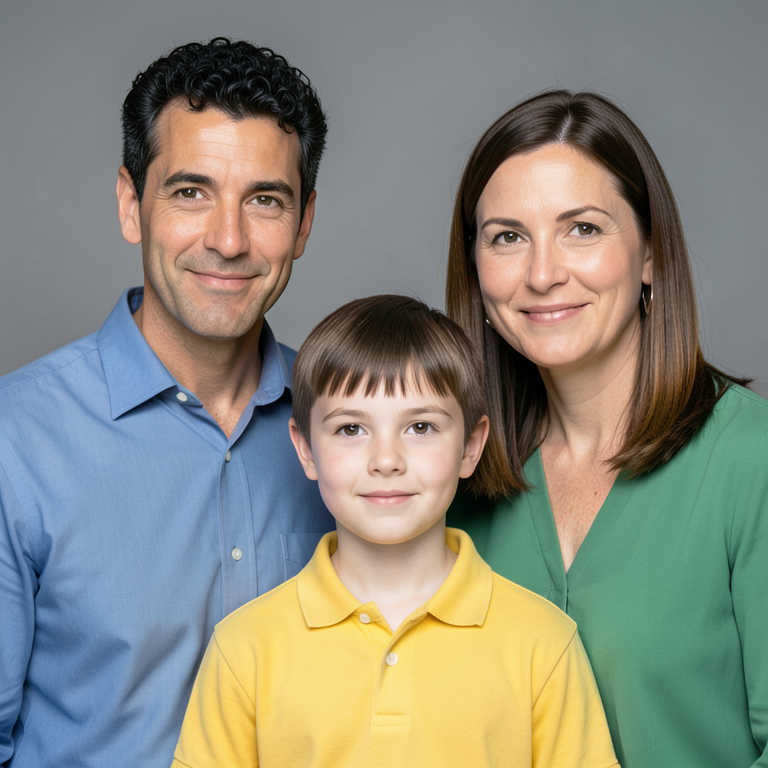
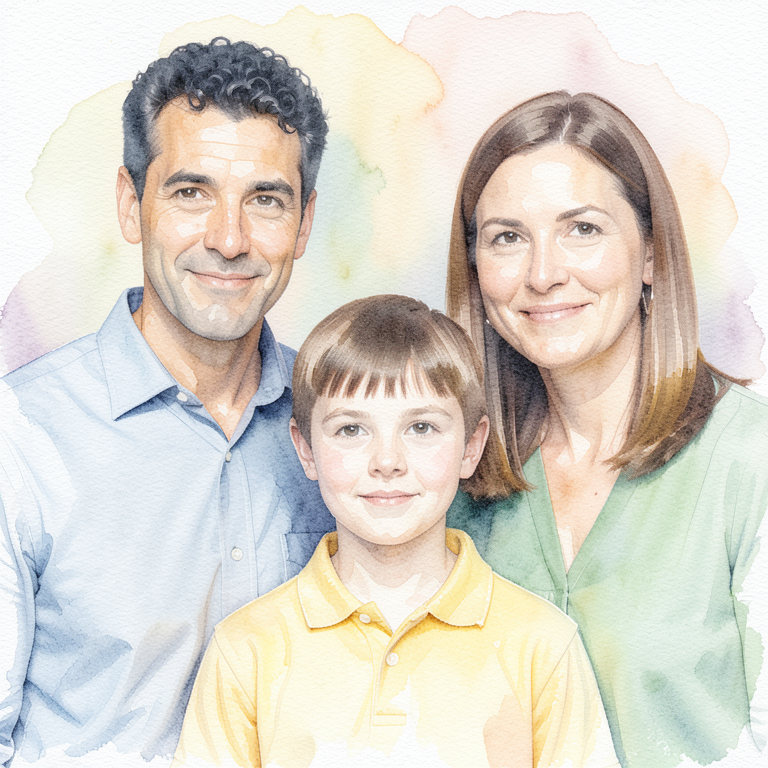
Keep a family moment in a different medium. Vistuma turns a clear portrait or close-up group photo into a digital watercolor portrait, aiming to preserve the people, their pose, clothes and setting.
One shared free try across coloring and watercolor while testing is available. No card or account needed for the free try. Members use the same 100-page monthly allowance; watercolor is not an extra allowance.
Before: a synthetic family photo, not a customer upload.After: an actual, unretouched Vistuma test result. Faces and fine details are stylized. View full size.
Start with faces you can see.
Choose one sharp portrait or one close-up photo of 2–4 people. Even light, visible eyes and an unobstructed face help. Three-person groups have been included in our small synthetic watercolor QA set; four-person results have not yet been validated in that set.
A painting effect, not a new pose.
This style changes the medium. It does not promise a new outfit, a different action or a new background. It is automated watercolor-style art, not a hand-painted commission or an exact facial copy.
Download a digital keepsake.
Get one 768 × 768 PNG per completed result. Save it or make a small casual print. Enlarging it can soften detail; saving as PDF does not add resolution.
How to turn a picture into a watercolor painting
Open the studio with Watercolor keepsake selected.
Choose whether the photo shows one person or a family or group of friends. Confirm the number of people.
Select one JPG, PNG or WebP image, up to 20 MB, at least 768 pixels on each side and no larger than 40 megapixels.
Confirm you have permission, complete human verification, then submit. Accepted jobs enter the queue.
Compare the result with your original and download it before its 24-hour expiry.
Upload selection alone does not send the image. Temporary photo copies are needed for processing, and your photos are not used for training or public examples. Read the privacy and retention details.
Portraits, family memories and small keepsakes
Try a close-up family portrait, a picture with a grandparent, or a photo with friends. Choose the photo for its clear faces rather than a large distant landscape. The current product works from one photo; it does not combine separate photos or create a multi-page book.
Watercolor portrait or coloring page?
Choose watercolor when you want colored digital artwork. Choose photo to coloring page when you want black outlines and a surprise landscape for children to color themselves. The coloring workflow rotates through eight settings; the watercolor workflow aims to keep the supplied setting. Both styles share your existing trial or membership allowance.
What does it cost?
The introductory plan for the first 100 eligible subscribers is $4.99 per month for three months, then $9.99 per month. It includes 100 pages per paid billing month across both styles, with no rollover. Prices are in USD. See the current membership terms before subscribing.
Try your photo, then judge the result.
Our public samples use fictional people. They show what the workflow produced, not a promise that every real photo will match equally well. Check the eyes, nose, mouth and proportions before sharing or printing.