Can my kids color a page online?+
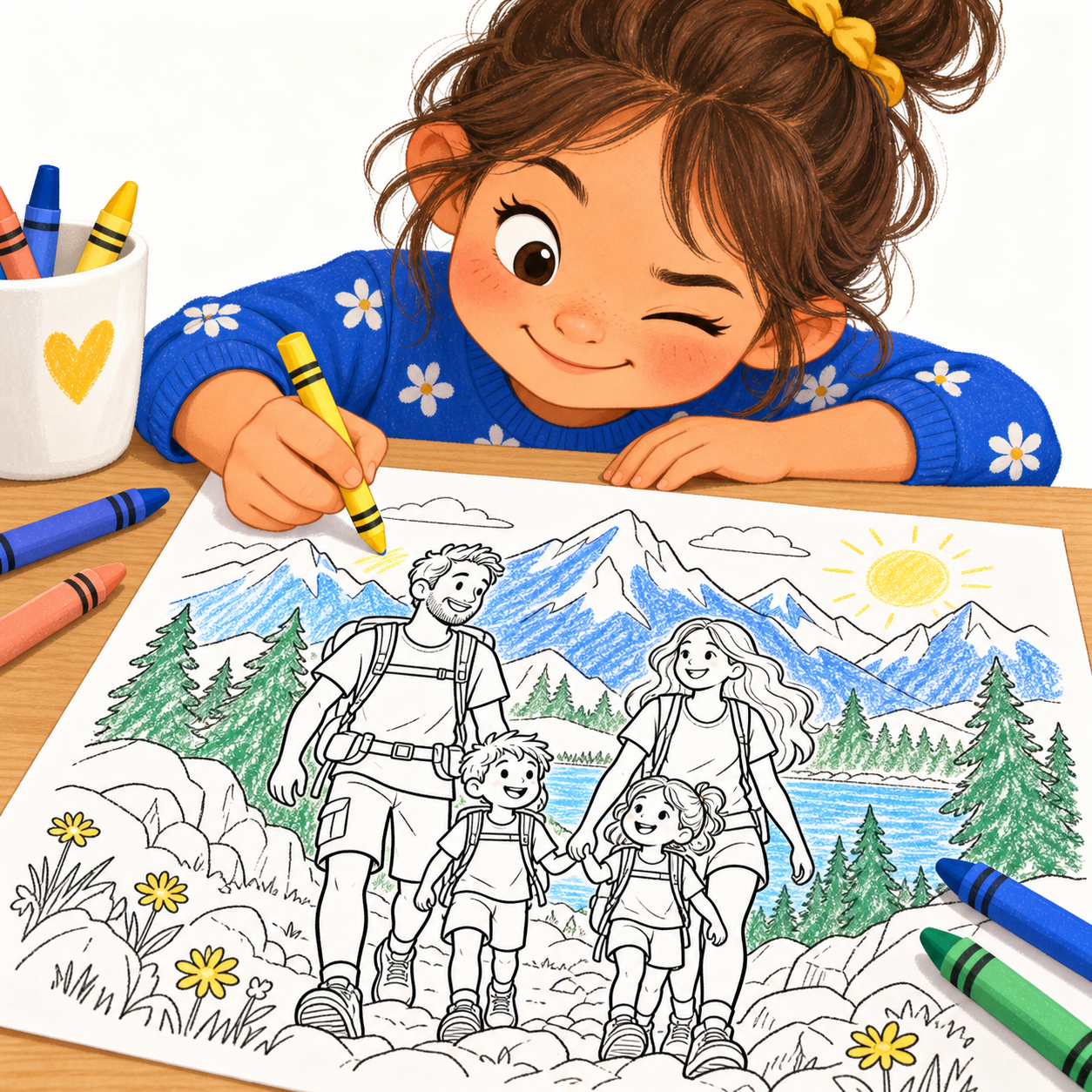
Yes. Open Color online from an example or a completed coloring result. Pick colors, tap to fill, or use the brush and eraser. Undo and PNG download are included, with no coloring credits or account needed. Your added colors stay in your browser and are not saved automatically. Creating a new page from a photo still uses the existing free try or membership allowance.
How do I turn a photo into a coloring page?+
Upload one clear portrait or one close-up group photo, confirm permission and complete human verification. Vistuma creates a black-and-white coloring page with a rotating background. Download the PNG or use Print / save PDF. The studio shows current availability before you submit.
Can I use a family photo with two children?+
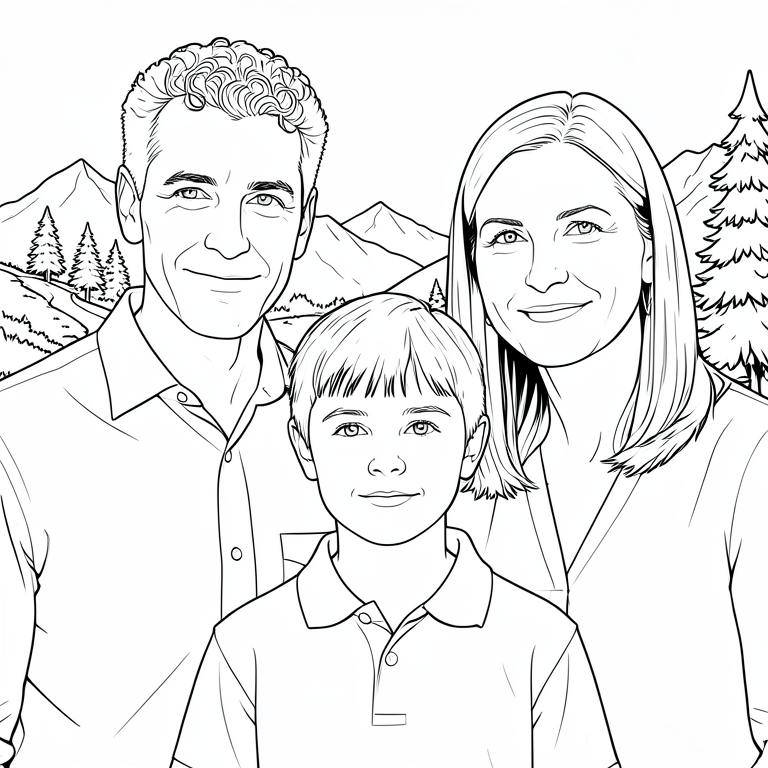
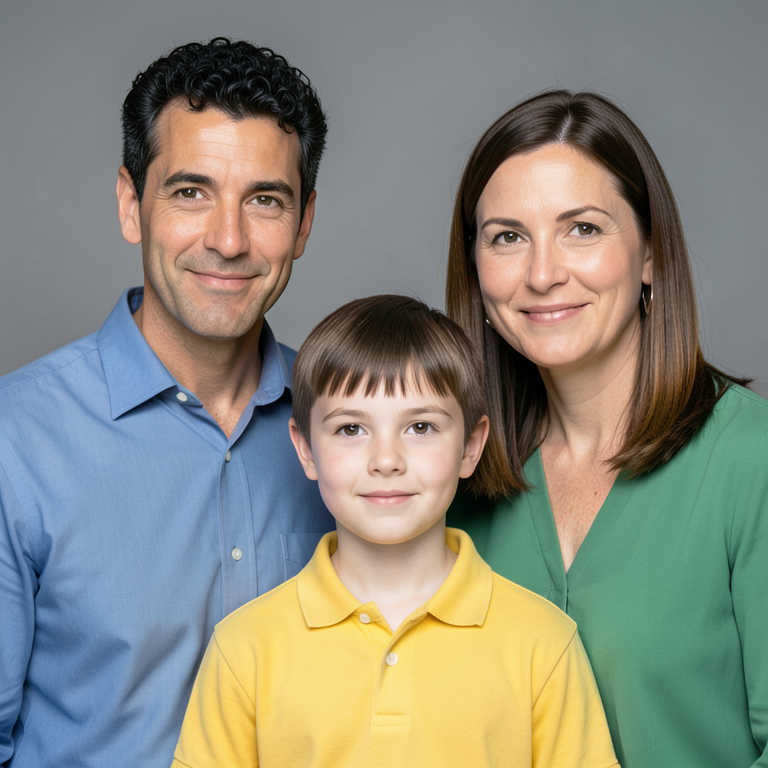
Yes. The group option supports 2–4 people together in one photo, such as two adults and two children. Keep everyone close to the camera with each face clear. This version does not combine separate photos.
Will it keep our faces, clothes and poses?+
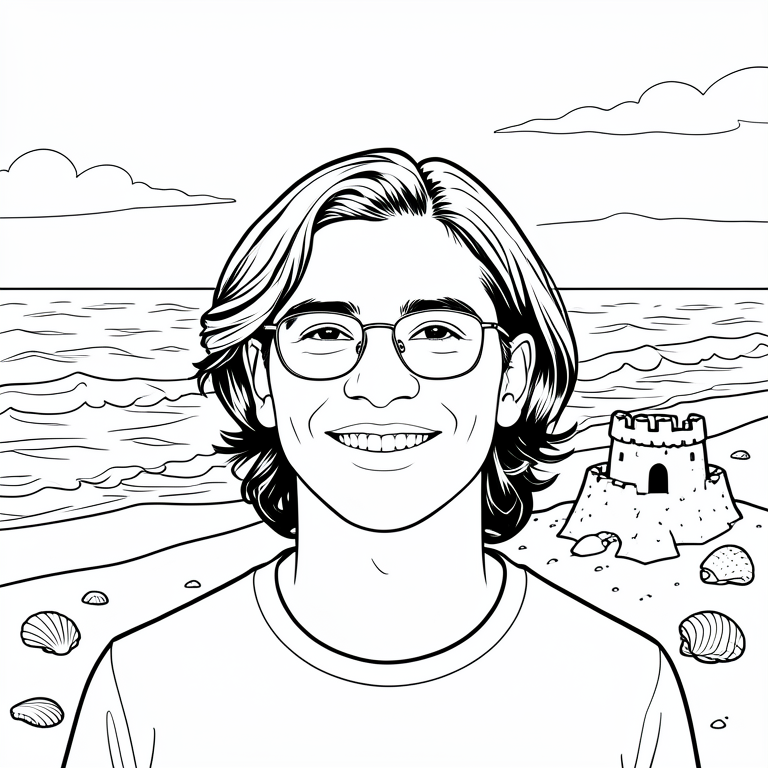
Vistuma aims to keep the people recognizable while changing the scenery. Close-up portraits work best. Facial details, proportions and clothing can change, especially in group photos. Exact likeness, different actions and new outfits are not guaranteed. Review the examples before trying.
Can I choose a mountain, beach or other background?+
This version rotates automatically among eight settings: mountains, beach, zoo, forest, desert, garden, space exhibit and castle gardens. Repeats are possible. Choosing a particular setting is not currently included.
How much does Vistuma cost?+
The free test offers 1 total try per browser while testing is open, subject to shared-network and capacity limits. Previously used tries count toward this allowance. The introductory offer for the first 100 eligible subscribers is $4.99 per month for 3 months, then $9.99 per month, with 100 pages per billing month and no rollover. Prices are in USD. Membership requires a separate checkout; creating an account does not charge you.
Can I print the coloring pages at home?+
Yes. Download the PNG or use Print / save PDF. Current outputs are 768 × 768 pixels, best for small casual coloring prints. Choose Fit in your printer settings and leave margins. Printing or saving as PDF does not add resolution; these are not high-resolution book files.
Are my photos private or used to train a model?+
Your uploaded photos and results are private to your browser session and are not used for model training or public examples. Temporary copies are stored to process the image. Input copies are removed after processing; results and job records expire within 24 hours of submission, with a short cleanup interval. Cleanup can be delayed if a computer is offline. See the privacy page for details.
Is this AI-generated or hand-drawn?+
Vistuma uses automated image generation to turn your photo into coloring artwork. It is not a hand-drawn commission. Some details may look different or need checking before you print. The public before-and-after examples use fictional people, not customer photos.
How long will my page take?+
Accepted jobs enter a queue and run one at a time. The page shows whether your job is queued, creating or ready. Processing time depends on demand and availability; there is no instant or same-day completion guarantee.